

FeaturesCloud servers
Your cloud server, set up for WordPress.
Choose a server in your own cloud account. WPShift installs and configures what WordPress needs (web server, PHP, database and cache) and applies the server's firewall and access settings, ready for you to add sites.
Free plan available. Features vary by plan. Server costs are separate.
How it works
- Step 1
Connect your cloud account
Add an API key for DigitalOcean, Hetzner, Linode, AWS, Google Cloud or Vultr. WPShift uses it to create servers; the account stays yours.
- Step 2
Choose the region and size
Pick where the server runs and how much capacity it has. Your provider's own prices apply to whatever you choose.
- Step 3
Let the setup run
WPShift installs the stack and configures the firewall, showing each step and its result as it goes.
The WordPress stack, installed together
Nginx serves the pages, PHP runs WordPress, MariaDB stores the content and Redis holds frequently used data in memory. They are installed and configured as one setup, so the server is ready to take a site when it finishes rather than ready for you to start configuring it.
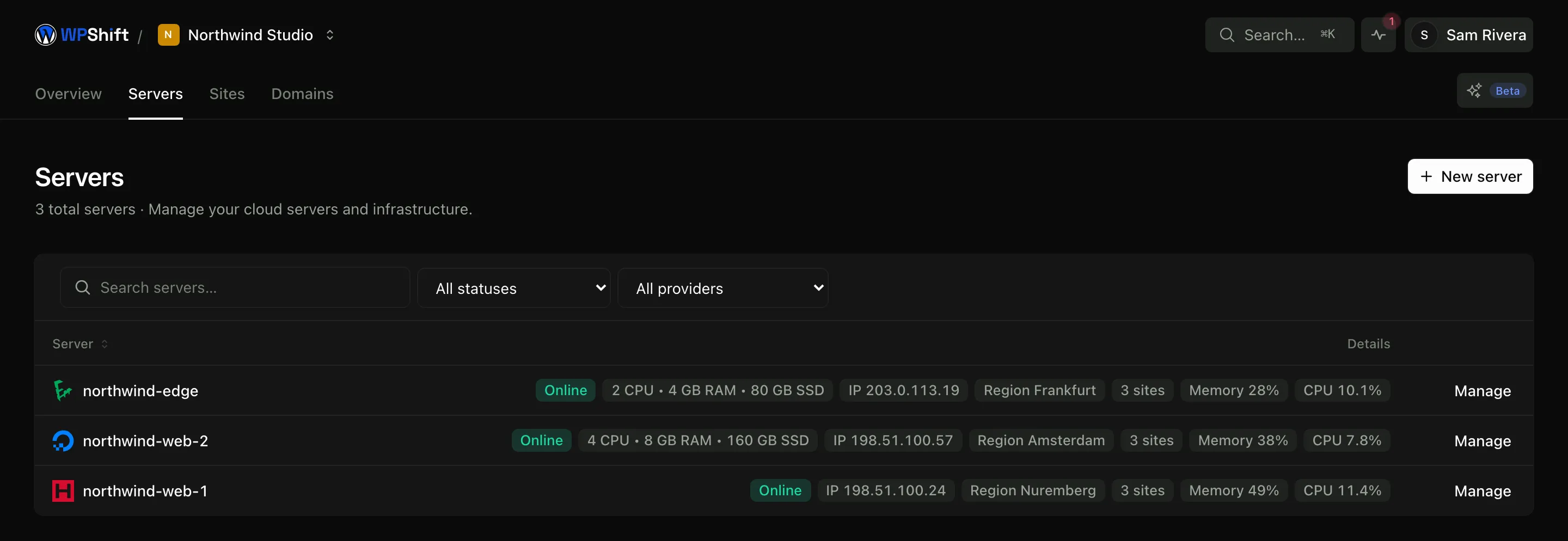
The server stays in your account
WPShift creates the server through your provider's API, and your provider invoices you for it directly at their prices. WPShift adds no markup to that bill and charges separately for the software. If you stop using WPShift, the server and the sites on it stay in your account.
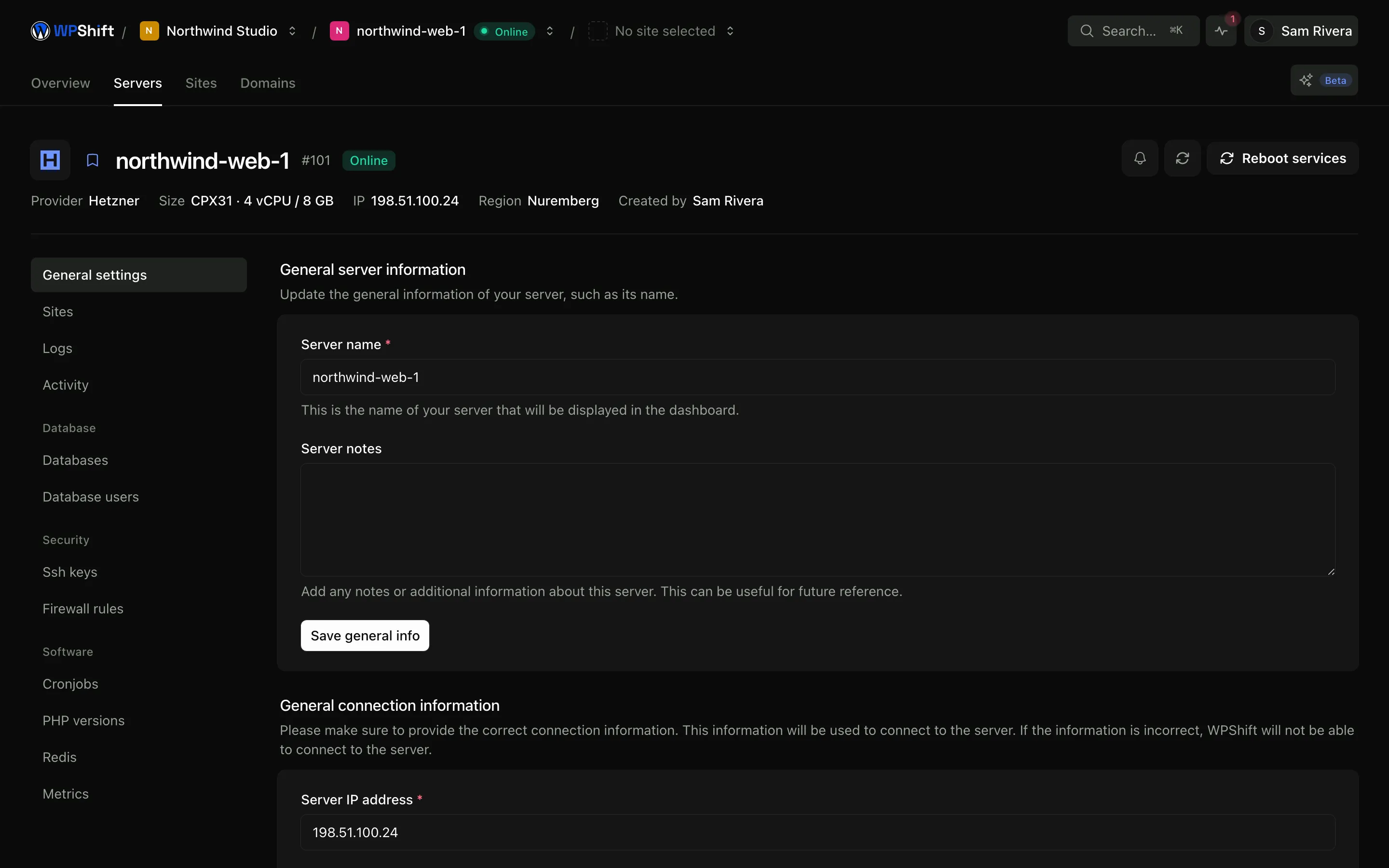
Sites are kept apart on the server
Each site gets its own system user, its own directory and its own database credentials, and a site's SFTP access is confined to that site's directory. That limits what a problem on one site can reach, while the sites still share the server's CPU, memory and disk.
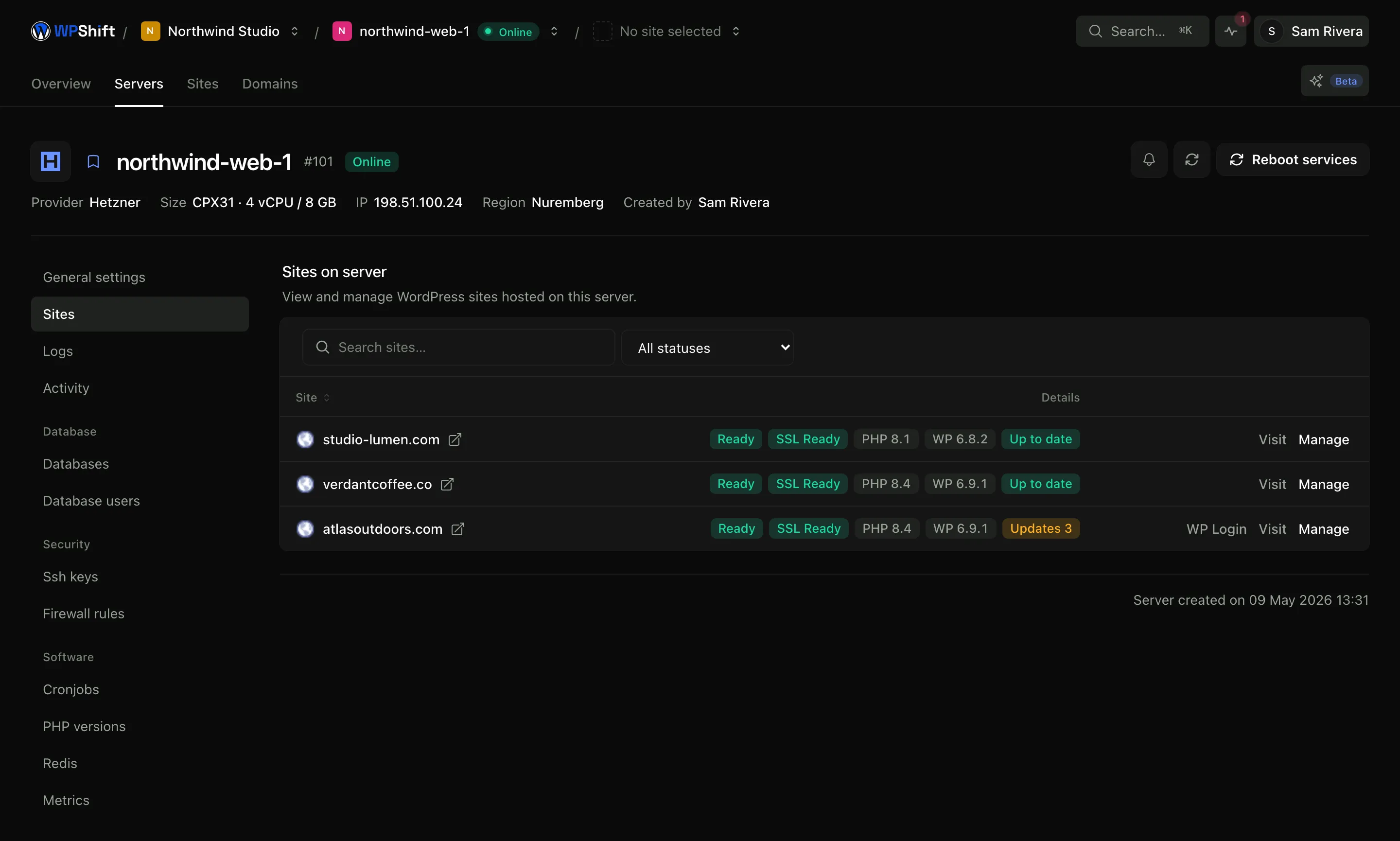
SSH access when you want it
Manage the server's SSH keys from the dashboard and connect directly when you need to look at something yourself. The hosting tasks WPShift supports (services, PHP settings, firewall rules, sites, databases) all have dashboard controls, so SSH is there for the exceptions.
Common questions
Which cloud providers can I use?
DigitalOcean, Hetzner, Linode, AWS, Google Cloud and Vultr. You can also buy a server through WPShift Cloud and manage it in the same dashboard.
Who bills me for the server?
For a server in your own cloud account, your provider bills you directly at their prices and WPShift adds nothing to it. Your WPShift plan is billed separately and covers the software. A WPShift Cloud server appears on your WPShift invoice instead.
How many WordPress sites can one server run?
Two limits apply. Your plan sets how many sites WPShift will manage, and the server's CPU, memory and disk set how many it runs well, which depends on traffic and how the sites are built. The server's resource charts show which of the two you are closer to.
Do I need Linux experience?
No. The stack is installed and configured for you and the supported hosting tasks have dashboard controls. SSH access exists for when you or a developer you work with wants it, not because the product expects you to use it.
What happens to the server if I cancel?
A server in your own cloud account stays in that account and keeps running; what you lose is the WPShift management layer around it. Before cancelling, check which WPShift services you depend on, because DNS, mailboxes, backups and monitoring all stop with the subscription. WPShift Cloud servers have separate billing terms.
Keep reading
- PHP versionsInstall several PHP versions on one server and choose one per site.
- Security & firewallA default-deny firewall, managed SSH keys, and separate users and credentials per site.
- Server monitoringTrack CPU, memory, disk usage and load, with the history behind each reading.
- Site managementInstall WordPress and manage plugins, themes, logs and hosting settings in one place.
Set up your first WordPress server
Connect your cloud account, let WPShift prepare the server, and add a site.
Free plan available. Paid plans include a 7-day trial. Server costs are separate.