

FeaturesDatabases
A database for every site, with its own credentials.
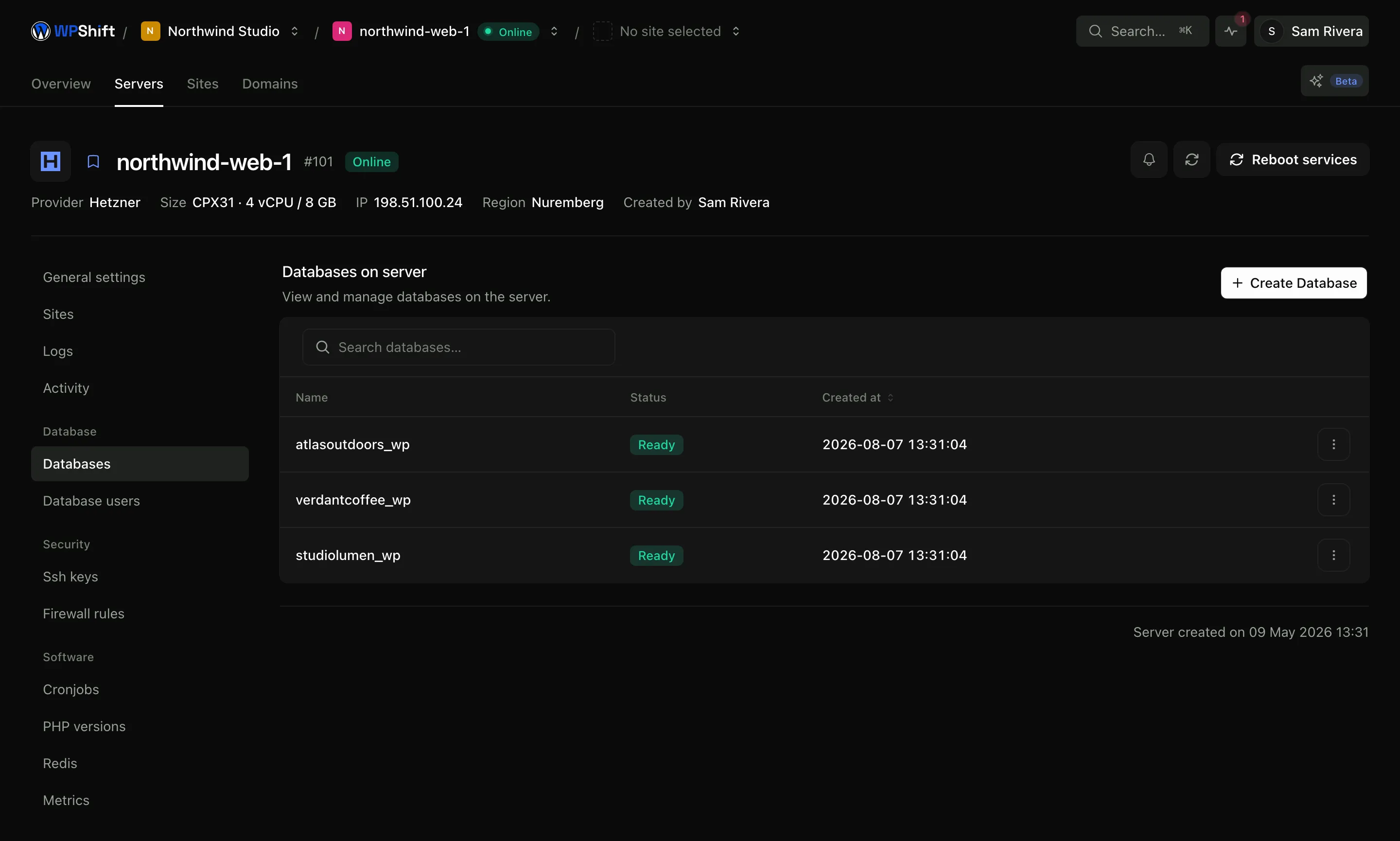
WPShift creates a database and a database user when it sets up a site, and that user can open only that database. Databases and their users are managed from the server.
Free plan available. Features vary by plan. Server costs are separate.
How it works
- Step 1
Created with the site
Installing a site creates its database and credentials and writes them into the site's configuration. There is no separate step.
- Step 2
Access stays narrow
Each database user opens one database, so the credentials in one site's configuration file do not work against another site.
- Step 3
Add more when you need them
Create an additional database, or an additional user for a tool that needs access, from the server's database page.
One database per site
A site's content (pages, posts, orders, customers, settings) lives in its own database, created with the site. Sharing one database user across every site on a server means one leaked configuration file exposes all of them; separate credentials are what stop that.
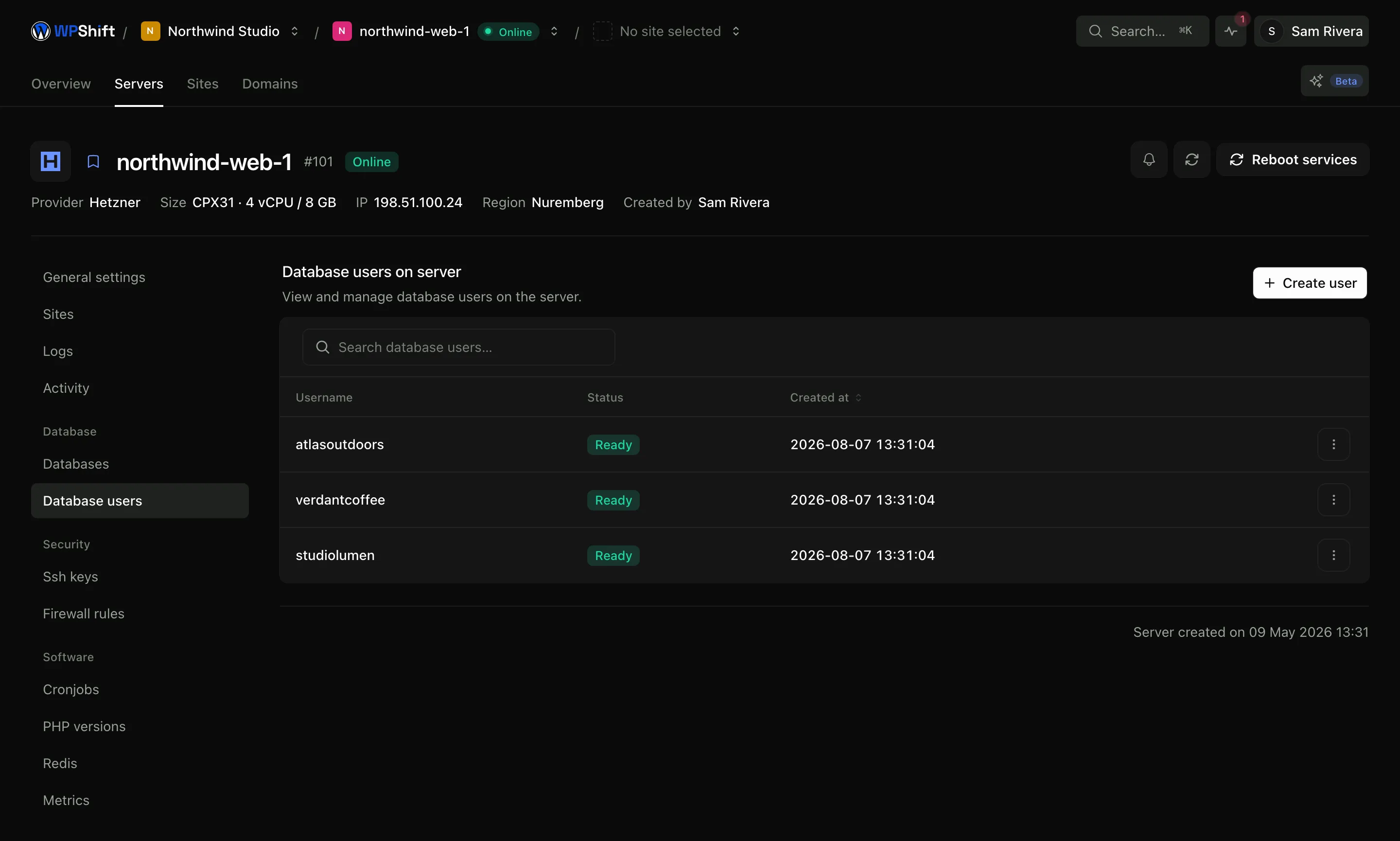
See which user can reach what
The database users page lists every user on the server and the databases each can open. Add one for a reporting tool, remove one whose password may have leaked, or grant an existing user access to a second database.
Not reachable from the internet by default
The database listens locally rather than on a public interface. Connect through an SSH tunnel when you want to use a client on your own machine, or open a firewall rule to one specific address if your setup genuinely requires it.
Get your content out on its own
Backups keep files and database content as separate parts and each downloads on its own. Recovering content does not have to mean replacing media at the same time.
Common questions
Which database does WPShift use?
MariaDB, which WordPress treats as MySQL. Themes and plugins need no change.
Does every site get its own database?
Yes, with its own database user, and that user can open only that one database.
Can I connect from my own computer?
Not directly by default, because the database is not exposed to the internet. Connect over an SSH tunnel with your own key, or add a firewall rule for one specific address if you have a reason to.
How do I get a copy of my content?
Take a backup and download its database part. It is a standard SQL export that you can load anywhere WordPress runs.
Can I create an extra database?
Yes. Additional databases and users can be created on the server, for example a separate user with limited access for a reporting tool.
Keep reading
- Cloud serversConnect your cloud account and let WPShift install and configure the server for WordPress.
- BackupsSchedule off-server backups and restore a copy when you need to recover a site.
- Security & firewallA default-deny firewall, managed SSH keys, and separate users and credentials per site.
- CachingReduce repeated work with server-level page caching and a Redis object cache.
Set up your first WordPress server
Connect your cloud account, let WPShift prepare the server, and add a site.
Free plan available. Paid plans include a 7-day trial. Server costs are separate.